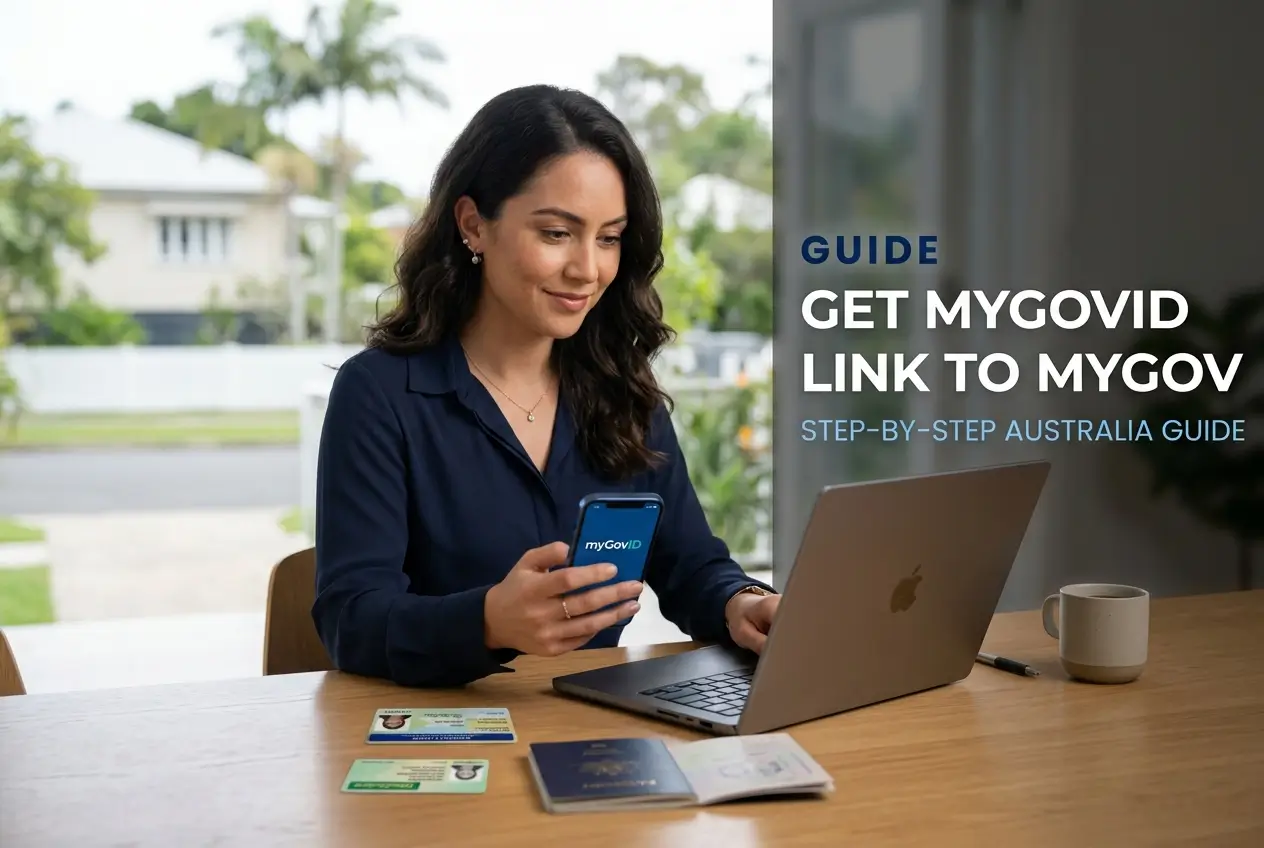
Need help setting up your myID and linking it to myGov? This complete guide shows you exactly what to do.
Learn how to pass identity checks and fix common errors quickly. You will gain secure access to Medicare and the ATO today.
Follow our step by step instructions to protect your personal data. Avoid scams while setting up your digital identity.
The real difference between myID and myGov
Many Australians confuse these two platforms. Understanding the difference is your first step to a successful setup.
The myID platform is an application on your mobile phone. It is your secure digital identity used to prove exactly who you are.
It was formerly known as myGovID. The government changed the name to help reduce confusion among everyday users.
On the other hand, myGov is the official website. It is the central online hub where you access government services.
Think of the app as the digital key in your pocket. The website is the locked door that holds your personal records.
Preparing your documents for the identity check
You need official Australian documents to prove your identity. Gathering them beforehand makes the process much faster.
Find a quiet space with good natural lighting. This helps your phone camera capture clear images without harsh glare.
Make sure your documents are current and valid. Expired documents will trigger an automatic error in the security system.
Have these standard documents ready on your desk:
- Australian Passport: required for the highest security level.
- Driver Licence: perfect for standard verification.
- Medicare card: excellent as a secondary support document.
- Birth Certificate: useful if you do not have a driving licence.
If a document fails to scan properly, simply try again. Ensure your fingers are not covering any text or barcodes.
How to download and set up your myID app
Grab your smartphone and open your official app store. Apple users need the App Store and Android users need Google Play.
Search for the official application. Look for the authentic Australian Government crest to ensure it is real.
Never download this application from unofficial websites. Doing so puts your sensitive personal data at severe risk.
Open the application and follow the simple screen prompts. You will need to enter your full legal name and date of birth.
Always use a personal email address for your account. Avoid using a work email because you might change jobs later.
How to reach Standard or Strong identity strength
Your brand new account starts with a Basic identity strength. Most government services will reject a Basic account.
You must upgrade to Standard or Strong to access important services. This crucial security layer protects your records.
To reach the Standard level, you must verify two documents. A combination of a Driver Licence and a Medicare card works well.
To reach the Strong level, you need an Australian Passport. You must scan the passport and complete a quick selfie scan.
This face verification process proves you are a real person. Ensure you take your glasses off for the secure photo.
Option A: Connecting myID before you sign in
You can link your digital identity directly from the login page. This is the absolute fastest method for most users.
Open your computer browser and go to the official website. Click the button to sign in with your Digital ID.
Select the app as your chosen identity provider. The website will then ask for your registered email address.
Type your email carefully and press continue. A unique four digit code will appear clearly on your computer screen.
Open the application on your mobile phone immediately. Enter or accept that four digit code to approve the secure login.
Look back at your computer screen. Click the Consent button to share your identity details with the portal.
Option B: Connecting myID from inside my account
You might already be logged into the website with a password. You can still link your new digital identity easily.
Go to the main menu and select your Account Settings. Scroll down until you find the dedicated Digital ID section.
Click the Connect button to begin the linking process. The system will smoothly guide you through the required steps.
Select the app as your official identity provider. Your phone will prompt you to approve the secure connection.
This method upgrades your account security instantly. It helps you safely phase out old passwords that can be stolen.
How to fix insufficient credential strength errors
Sometimes the website blocks your access completely. It displays an insufficient credential strength error message.
This simply means the specific service requires higher security. The ATO usually demands a Strong identity level.
Open your mobile application and check your home dashboard. Look closely at your current identity strength status.
If you are on Basic or Standard, you need to add more documents. Follow the prompts to upgrade your verification status.
Once you reach the required level, try logging in again. The error message will disappear and grant you immediate access.
What to do when your personal details do not match
A name mismatch is another extremely common problem. Your application details must perfectly match the government records.
Check the exact name and date of birth in your application. Compare them to your official Medicare or ATO files.
If you recently got married, your names might be different. This discrepancy immediately stops the entire linking process.
You cannot fix this problem inside the mobile application. You must contact the specific government agency directly.
Ask their support team to officially update your records. Once updated, the systems will link together without any issues.
How to solve Error CR1000 and Error 45056
Technical error codes can be very frustrating to deal with. Error CR1000 usually indicates an email address mismatch.
You must use the exact email address linked to your account. Check your application settings to confirm your details.
If you changed your email recently, use the newest one. This simple step usually fixes the login problem instantly.
Sometimes the mobile application develops temporary technical glitches. You might experience a frozen version of the app.
Uninstall the application completely from your smartphone. Restart your mobile device to clear the internal memory.
Download the application again from the official store. Log back in to restore your secure access immediately.
Security rules to protect yourself from scams
Online scammers constantly impersonate the ATO and Medicare. You must stay vigilant to protect your identity and money.
The government will never send you a direct login link. Always ignore any text message or email containing a link.
Make it a solid habit to type the website address manually. Type the official address directly into your secure browser.
- Protect passwords: never share your login details with anyone.
- Protect documents: do not send photos of your passport via email.
- Protect numbers: keep your Tax File Number completely private.
Official support staff will never ask for these details via text. Block and report any suspicious numbers immediately.
Official support channels and reporting scams
If you accidentally clicked a fake link, act very fast. Contact the Services Australia Helpdesk immediately for assistance.
They have a dedicated Scams and Identity Theft team. These experts will help secure your compromised account quickly.
You can report the incident by emailing their official fraud team. You can also visit the official Scamwatch website.
For technical help, visit the official support website online. You will find detailed guides and helpful articles there.
If online guides fail to solve your problem, make a phone call. Find the official help line numbers on government sites.
Next steps to manage your digital identity
Always keep your mobile application updated to the latest version. This guarantees you have the best security patches installed.
Never delete the application if you travel overseas for holidays. You still need it to access your important health records.
If you buy a new phone, set up the app before wiping the old one. This simple action ensures a smooth transition of your data.
Now you are completely ready to use Australian public services safely. Keep your application secure and your details private.